 ERP
ERPExisting spreadsheet & manual processes
- Distribute production plans and work orders in spreadsheets and on paper
- Collect shop-floor logs and re-enter production output
- Call to check the progress of each operation
MES / MANUFACTURING
Digitize production planning, work orders, POP shop-floor output, inspections, and goods receipts in ERP, and track progress by operation.
Run previously separate manual processes in one system.
Core production, shop-floor & POP processes
Process digitization
Connect and manage processes in WION ERP that previously required separate records and repeated data entry.
Record each stage in ERP and manage progress and results together.
Review production schedules and required materials.
Information managed in ERPProduction plans & material requirementsPrepare work orders and job cards for each operation.
Information managed in ERPWork orders & job cardsRecord job progress, output, and LOT in POP.
Information managed in ERPPOP output & WIPConnect quality inspections with finished goods receipts into the warehouse.
Information managed in ERPInspection results & finished goods receiptsView owners, progress, approvals, and change history using the business information recorded in ERP.
Processes managed by the Production, Shop Floor & POP module.
Configure product bills of materials, routings, and workstations.
Review the materials and procurement quantities needed for sales orders and production plans.
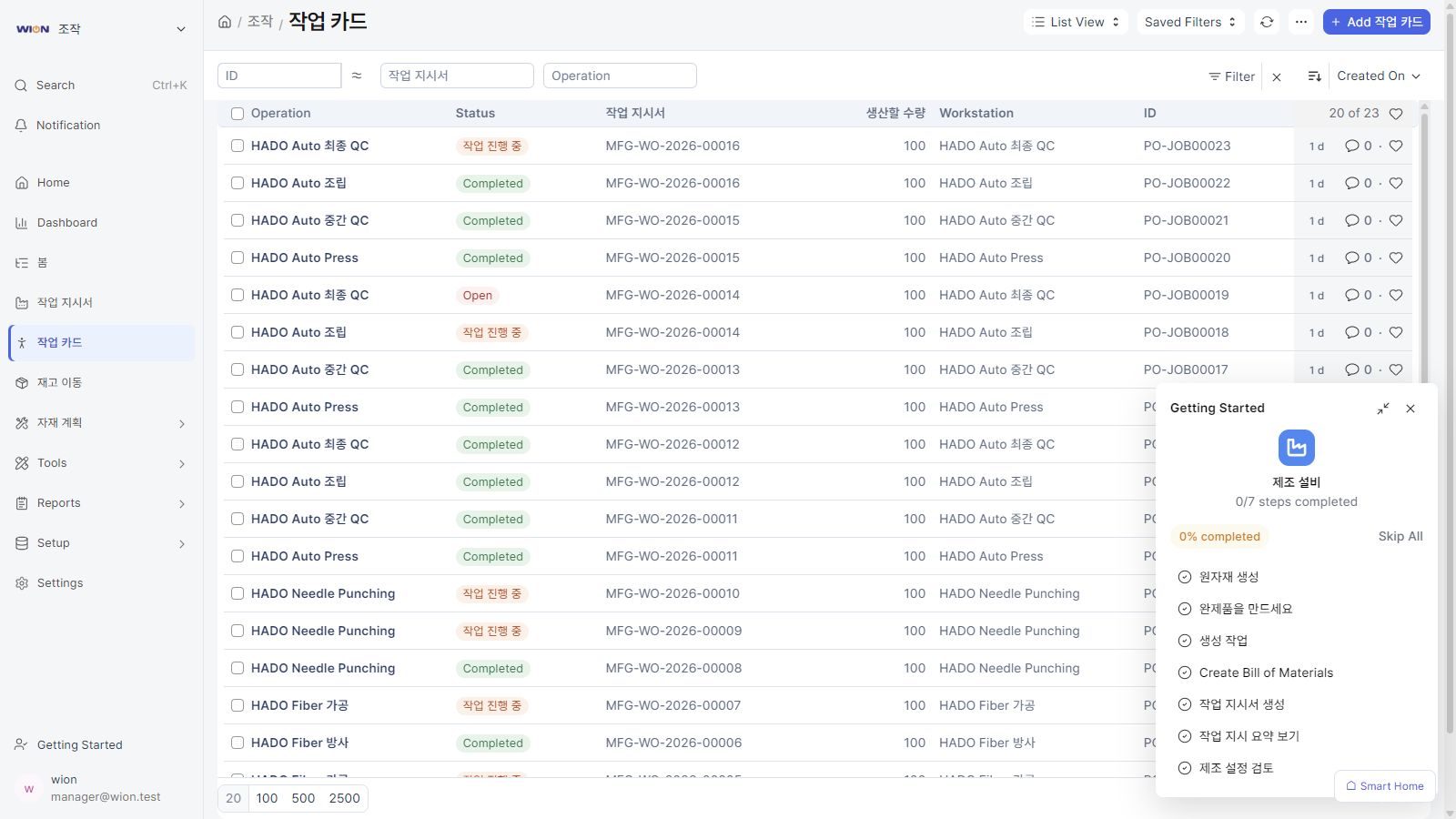
Create work orders and job cards for each operation, and manage progress.
Record job start and end times and production output on the shop floor.
Review work in progress, production quantities, and linked LOT information.
Connect recorded business information with related modules to view each department's processes and results.
Configure the processes to digitize and approval procedures to match your company's operations. Integrate with your existing accounting system when needed.
Register tasks and review progress in ERP screens instead of separate files.
Explore the full ERP module lineup.
View all modules ↗Review the processes you want to implement and the systems you already use.