 ERP
ERPExisting spreadsheet & manual processes
- Manage employee and organization information in spreadsheets
- Manually compile clock-in/out and leave records
- Send attendance files separately to the payroll team
HRM / PEOPLE
Digitize employee information, attendance, leave, and appraisals in ERP, and manage requests, approvals, and processing status by owner.
Run previously separate manual processes in one system.
Core HR processes
Process digitization
Connect and manage processes in WION ERP that previously required separate records and repeated data entry.
Record each stage in ERP and manage progress and results together.
Organize employee assignments and organizational master data.
Information managed in ERPHR information & organization chartRegister attendance and leave requests, and review the relevant periods.
Information managed in ERPAttendance & leave requestsProcess requests according to role-based approval procedures.
Information managed in ERPApproval & processing historyConnect each employee's attendance information with payroll processes.
Information managed in ERPPayroll calculation dataView owners, progress, approvals, and change history using the business information recorded in ERP.
Processes managed by the HR module.
Manage employees, departments, grades, positions, and the organization chart.
Review each employee's clock-in and clock-out records and attendance requests.
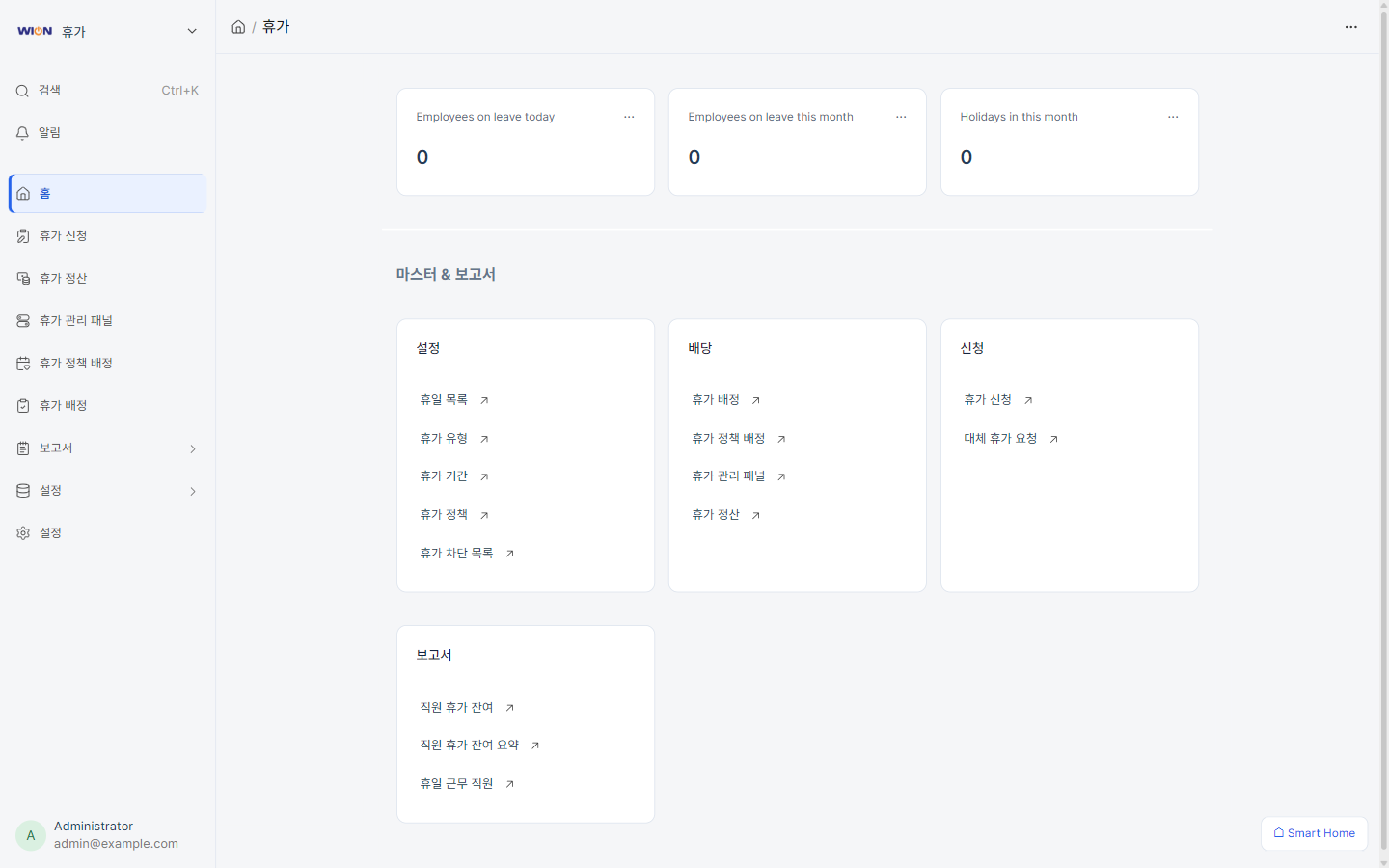
Manage leave allocations, requests, and approvals.
Connect employee goals with performance appraisals.
Connect recorded business information with related modules to view each department's processes and results.
Configure the processes to digitize and approval procedures to match your company's operations. Integrate with your existing accounting system when needed.
Register tasks and review progress in ERP screens instead of separate files.
Explore the full ERP module lineup.
View all modules ↗Review the processes you want to implement and the systems you already use.